

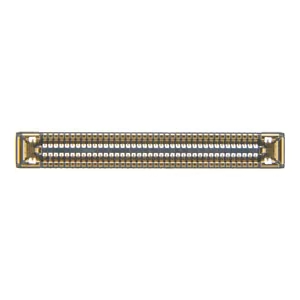
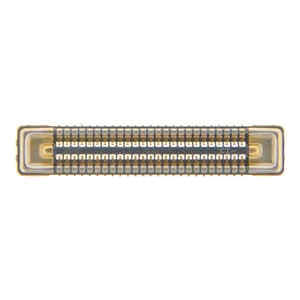
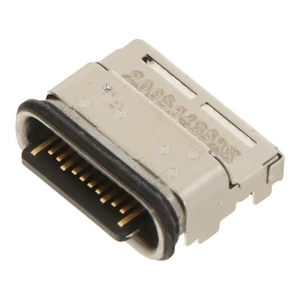
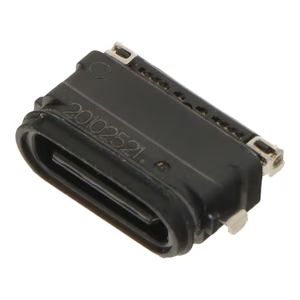
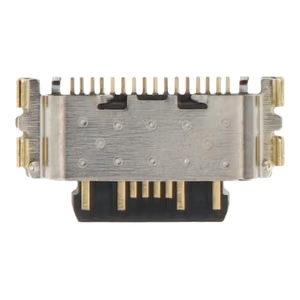
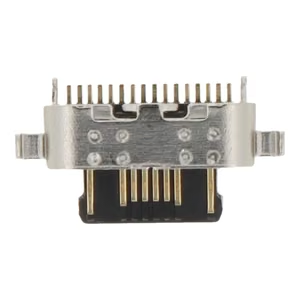
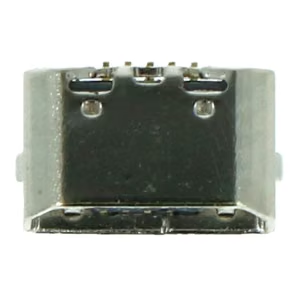
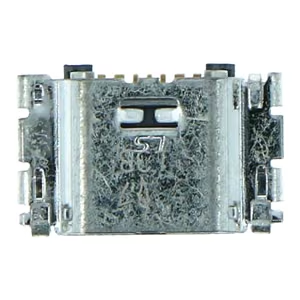
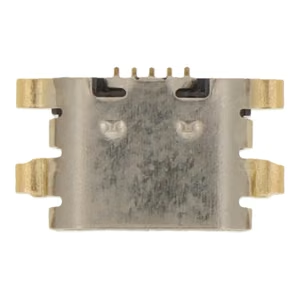
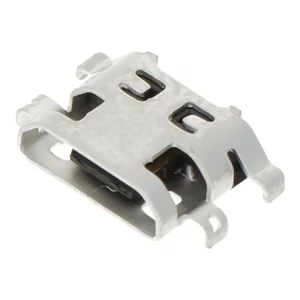
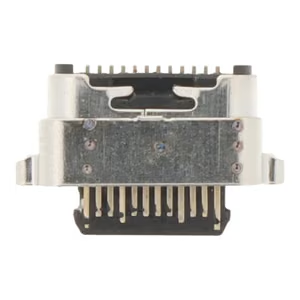
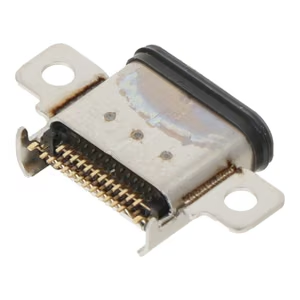
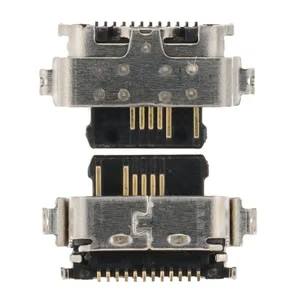
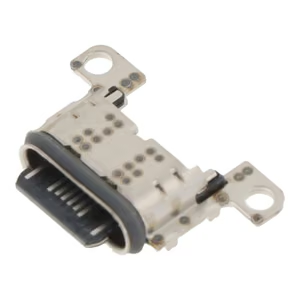
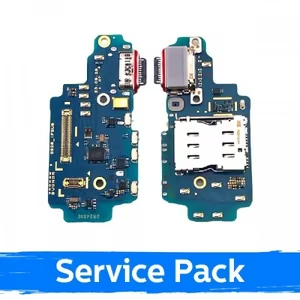
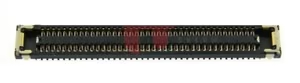
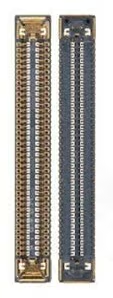
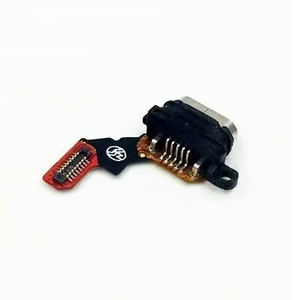
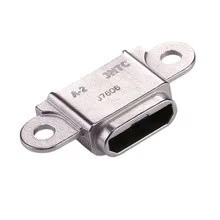
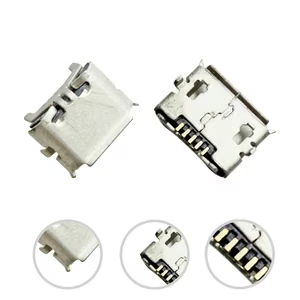
In the Connectors category you will find charging connectors for phones and tablets as spare parts to replace a worn or damaged charging port. The range includes parts for devices from several manufacturers, among them Samsung, Huawei, Nokia and Lenovo models – USB-C connectors for newer devices as well as micro-USB connectors for older ones. Some of the spares are bare connectors for soldering, while others are modules with a flex cable that are replaced as a whole. The most important criterion is the exact model number of the device: the same connector may fit several models, but a small difference in the model code (A115 or A035G, for example) can mean a different part. So check the model number in the device's settings or on the back cover and compare it with the product details. Pay attention to the connector type (USB-C or micro-USB) and the grade of the part (original ORG or aftermarket OEM) as well. Replacing a connector means opening the device and often soldering, so if you are unsure, it is better to leave the job to someone with the right experience.
Find accessories for your phone
Select manufacturer and model



Frequently asked questions
How do I know which part fits my phone?
What is the difference between original and aftermarket parts?
Can I replace the screen myself?
How do I know the battery needs replacing?
In the Connectors category you will find charging connectors for phones and tablets as spare parts to replace a worn or damaged charging port. The range includes parts for devices from several manufacturers, among them Samsung, Huawei, Nokia and Lenovo models – USB-C connectors for newer devices as well as micro-USB connectors for older ones. Some of the spares are bare connectors for soldering, while others are modules with a flex cable that are replaced as a whole. The most important criterion is the exact model number of the device: the same connector may fit several models, but a small difference in the model code (A115 or A035G, for example) can mean a different part. So check the model number in the device's settings or on the back cover and compare it with the product details. Pay attention to the connector type (USB-C or micro-USB) and the grade of the part (original ORG or aftermarket OEM) as well. Replacing a connector means opening the device and often soldering, so if you are unsure, it is better to leave the job to someone with the right experience.